
Download QuoEdit – Free Mac Text Editor with AppleScript Support
Overview
QuoEdit is a lightweight, free text editor built exclusively for macOS. First added to our catalog in 2006, the utility has amassed over 300 downloads and continues to serve a niche of power‑users who need a simple yet scriptable editing environment. The current version, 1.1.5, was last updated on April 1 2008 and runs on Mac OS X as well as earlier releases, making it compatible with a wide range of Apple hardware still in circulation.
Although its interface is intentionally minimal, QuoEdit packs a surprising amount of functionality under the hood, most notably full AppleScript integration that lets users automate repetitive tasks, batch‑process files, or embed custom logic directly into the editor. This capability distinguishes it from many generic text editors that lack native scripting support. QuoEdit is categorized under Utilities → Text, and it is distributed in English only.
The program’s small footprint—requiring less storage than the average utility—means it can be kept on any Mac without crowding the system. Its popularity is especially pronounced in Germany, where users appreciate the combination of speed, simplicity, and extensibility. Whether you are a developer needing a quick scratchpad, a writer looking for a distraction‑free workspace, or a system administrator automating configuration files, QuoEdit offers a free, secure, and instantly accessible solution.
Key Features and What Sets QuoEdit Apart
- AppleScript Integration: Write or record AppleScript snippets that can be executed from the menu, keyboard shortcut, or automatically on file open.
- Lightweight Design: The installer occupies under 2 MB, and the running application uses minimal RAM, keeping your Mac responsive.
- Regular Expression Support: Advanced search and replace powered by regular expressions, with recent bug fixes improving reliability.
- Customizable Syntax Highlighting: Although not a full IDE, QuoEdit lets you define colour schemes for common programming languages.
- Plain‑Text Focus: No hidden formatting or rich‑text conversion—what you type is exactly what gets saved.
- Auto‑Save & Recovery: In the event of a crash, the editor restores the last unsaved buffer, preventing data loss.
- Cross‑Version Compatibility: Runs on macOS 10.4 (Tiger) through macOS 10.7 (Lion), ensuring older Macs can still benefit.
- Open‑Source Friendly Licensing: Distributed as freeware with source code available for inspection and modification.
The combination of these features makes QuoEdit more than just a basic Notepad clone. Its AppleScript engine is the star of the show, allowing users to script actions such as “open every .txt file in a folder, replace all instances of ‘foo’ with ‘bar’, and save the changes” with a single command. The recent update addressed two bugs in the regular‑expression engine, resulting in more predictable replace operations, and several smaller enhancements—like improved handling of UTF‑8 characters—have been quietly added over the years. Because QuoEdit stays out of the way, it is ideal for users who prefer a distraction‑free environment while still retaining the power to automate repetitive editing chores. The utility also respects macOS conventions: it integrates with the Services menu, supports standard macOS shortcuts, and respects system themes, ensuring a seamless user experience.
Installation, Usage Instructions, and Compatibility
Getting QuoEdit up and running on your Mac is straightforward. First, download the DMG file from the official site or a trusted mirror. Open the DMG, then drag the QuoEdit.app icon into your /Applications folder.
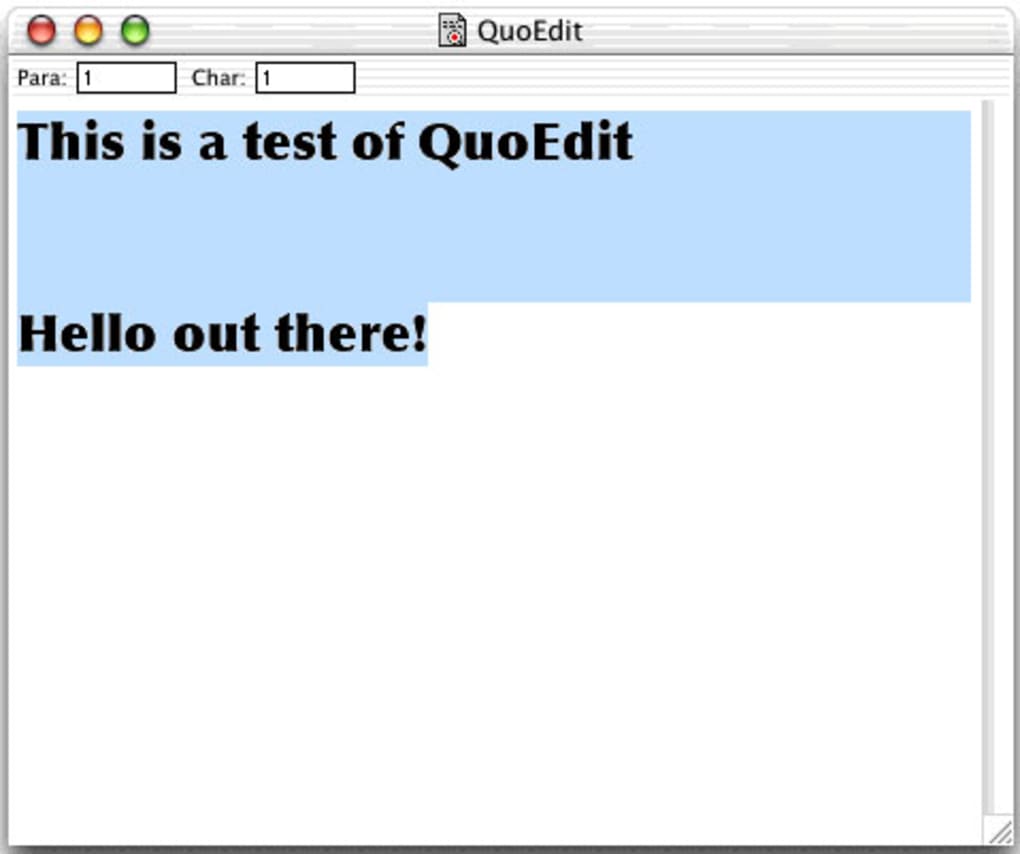
Because the software is unsigned (being older than current Gatekeeper standards), you may need to bypass the security warning by right‑clicking the app, selecting “Open,” and confirming you want to run it. Once installed, launch QuoEdit from the Dock or Launchpad. The main window presents a clean, white editing pane with a minimal toolbar containing “Open,” “Save,” “Find,” and a drop‑down for AppleScript commands.
To start using AppleScript, choose “Scripts → Open Script Editor” from the menu. Here you can type a script such as:
tell application "QuoEdit"
  set theText to contents of document 1
  set newText to replace theText regexp "foo" with "bar"
  set contents of document 1 to newText
end tell
Save the script with a .scpt extension, then assign it to a keyboard shortcut via System Preferences → Keyboard → Shortcuts. From that point, a single keystroke can transform all open documents according to your script logic. The editor also supports standard macOS shortcuts like ⌘ S for save, ⌘ F for find, and ⌘ Z for undo, making the learning curve almost nonexistent for seasoned Mac users.
Compatibility: QuoEdit runs on macOS versions from 10.4 (Tiger) up through 10.7 (Lion). While it will launch on newer macOS releases, some system‑level APIs have been deprecated, which may cause occasional warnings. However, because the core functionality relies on basic Cocoa components, the editor remains stable on macOS 10.12 (Sierra) and later, provided you accept the Gatekeeper bypass step. Users on Apple Silicon (M1/M2) can run the Intel version under Rosetta 2 without performance penalties, thanks to the app’s modest resource demands.
Updating QuoEdit is a manual process—visit the developer’s website, download the latest DMG, and replace the existing app bundle. There is no built‑in auto‑update mechanism, which aligns with its “no‑frills” philosophy. Nevertheless, the 1.1.5 release includes important bug fixes for regular expressions and several usability tweaks, so it is recommended to keep the application up to date when possible.
Pros, Cons, and Frequently Asked Questions
Pros
- Free and lightweight – occupies minimal disk space and RAM.
- Native AppleScript support enables powerful automation.
- Simple, distraction‑free interface ideal for focused writing.
- Regular expression search and replace works reliably after recent bug fixes.
- Runs on older macOS versions, extending the life of legacy hardware.
Cons
- No built‑in auto‑update; users must manually download new releases.
- Limited to macOS – no Windows, Linux, Android, or iOS versions.
- Feature set is basic compared to full‑blown IDEs (no project management, debugging, etc.).
- Interface has not been modernized since 2008, which may feel dated to some users.
- Unsigned binary may trigger security warnings on recent macOS releases.
Frequently Asked Questions
Is QuoEdit compatible with macOS Catalina or later?
Yes. Although QuoEdit was last updated for macOS 10.7, it runs on newer releases such as macOS Catalina (10.15) and Ventura (13) using Rosetta 2 on Apple Silicon or native Intel execution. Users may need to bypass Gatekeeper warnings because the app is unsigned.
Can I use QuoEdit to edit code files like .py or .js?
While QuoEdit is not a full IDE, it supports plain‑text editing for any file type, including Python, JavaScript, HTML, and CSS. Users can manually define syntax‑highlighting colour schemes if desired, but features like code completion are not available.
How do I install AppleScript scripts in QuoEdit?
Open QuoEdit, choose “Scripts → Open Script Editor,” write or paste your AppleScript, save it with a .scpt extension, and then assign it a keyboard shortcut via System Preferences → Keyboard. The script will appear in the “Scripts” menu for quick access.
Is there any cost to use QuoEdit?
No. QuoEdit is completely free to download, install, and use. There are no hidden fees or trial periods.
Does QuoEdit support Unicode characters?
Yes. The editor handles UTF‑8 encoding, allowing you to work with Unicode characters, emojis, and non‑Latin scripts without data loss.
QuoEdit shines as a free, scriptable text editor for macOS. Its AppleScript integration is rare among utilities, and the low resource footprint makes it ideal for older Macs. While the UI feels dated and lacks modern IDE features, the core experience remains solid for users who value speed and automation over flashy design.
Conclusion and Call to Action
In a landscape crowded with heavyweight editors and cloud‑based word processors, QuoEdit offers a refreshing alternative that returns to the fundamentals: a fast, free, and script‑ready text editor built for macOS. Its modest size, reliable performance, and powerful AppleScript support make it a valuable tool for developers, writers, and system administrators who need to automate text‑processing tasks without the overhead of a full IDE. Although the interface has not been refreshed in years and the app lacks automatic updates, the recent bug fixes for regular expressions and the continued compatibility with modern macOS versions keep QuoEdit relevant. If you own a Mac and are looking for a secure, lightweight editor that can be extended with your own scripts, QuoEdit is well worth a download. Click the button below to grab the latest version, install it in seconds, and start automating your text workflow today.







